
Let's build your BCI laboratory together.
From a single student station to multi-user hyperscanning and ECoG laboratories, we build brain-computer interface labs on g.tec's modular platform. As the exclusive distributor of g.tec ResearchLine in Türkiye, we handle device selection, installation, training and technical support in one place.
- 01
We are the exclusive distributor of g.tec ResearchLine in Türkiye.
- 02
The whole BCI chain is in our catalogue, from Unicorn headsets to g.HIamp and g.Pangolin.
- 03
Selection, installation, training and technical support come from one team.
The parts that make a laboratory.
What each part does and the devices that do it; device names lead to their product pages.
 01
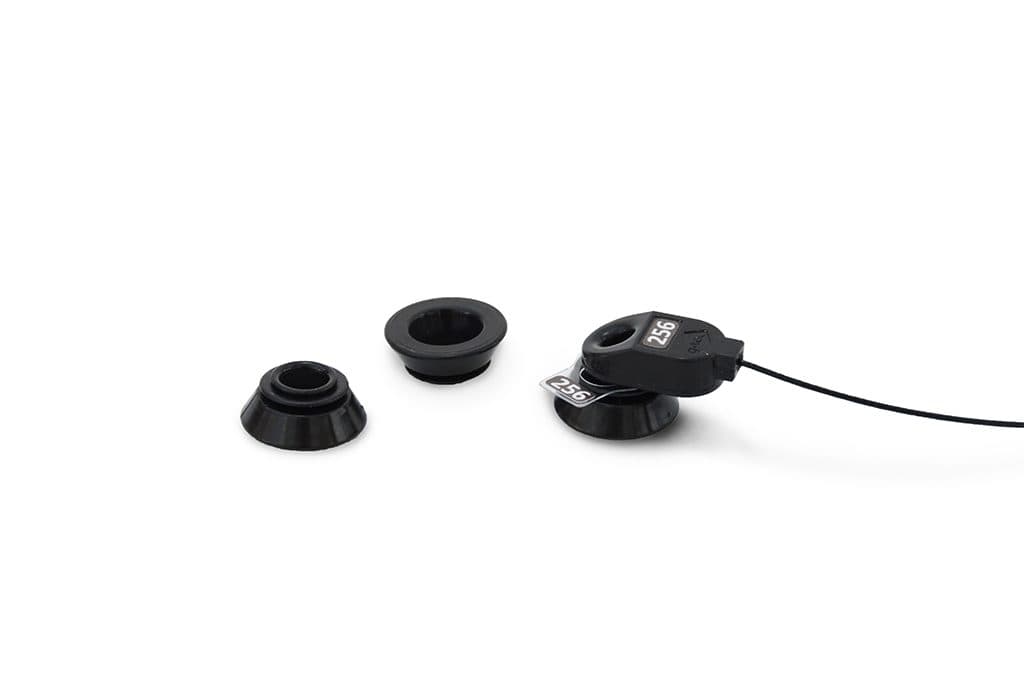
01Cap and electrodes
Pick up potentials of a few microvolts at the scalp. Active electrodes amplify the signal before it enters the cable; g.SAHARA works dry or with gel, and Unicorn's hybrid electrodes are enough for teaching.
 02
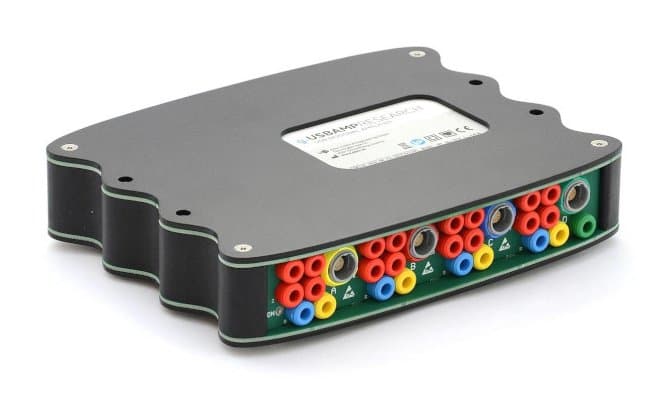
02Amplifier
Digitises the signal and sends it to the computer. Wireless g.Nautilus for mobile and real-world experiments, the 16-channel g.USBamp for desktop BCI, the 256-channel g.HIamp for high channel counts and invasive recording.
 03
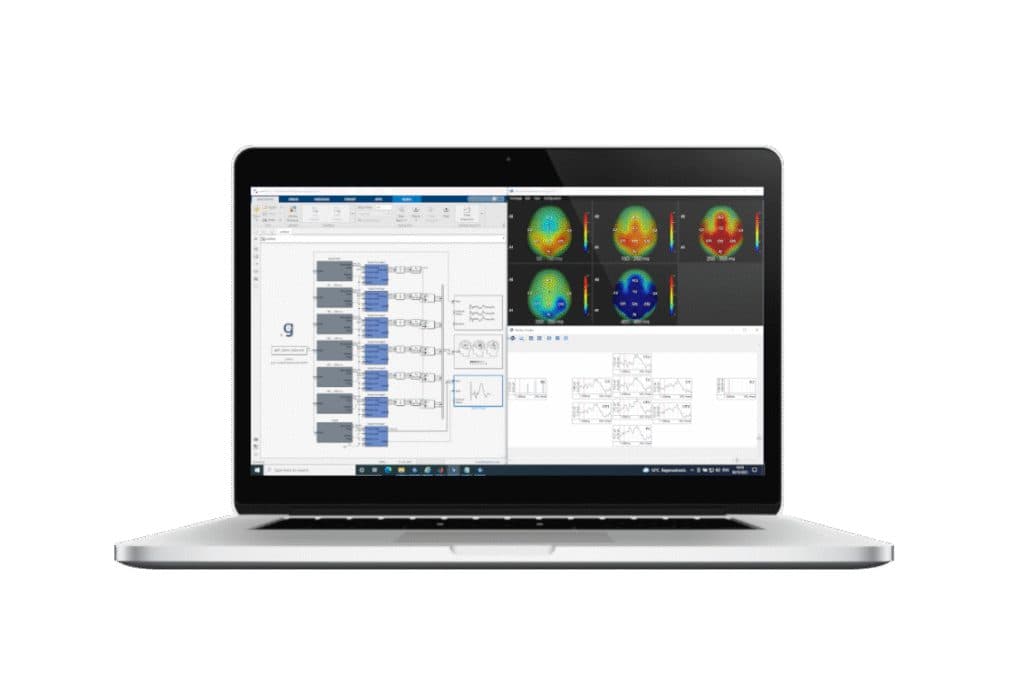
03Real-time processing
Filters, extracts features and returns the classifier's decision while recording runs. g.HIsys does it in Simulink; in a teaching lab Unicorn Suite does the same with ready-made applications.
 04
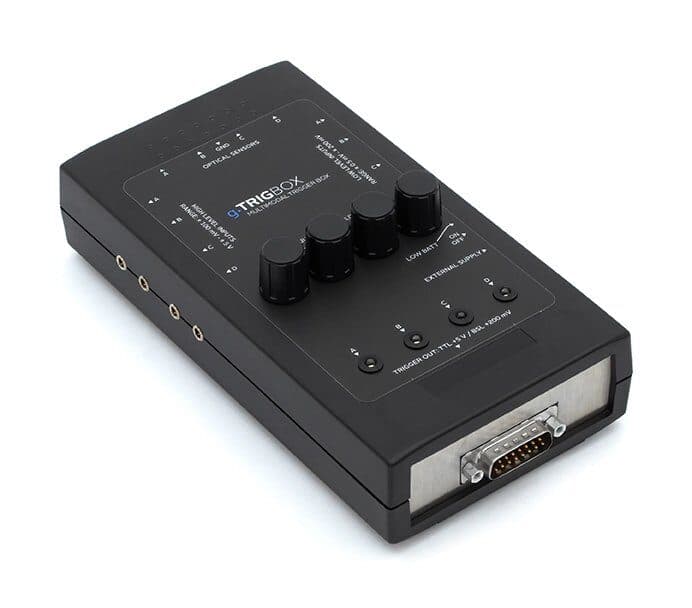
04Stimulation and triggers
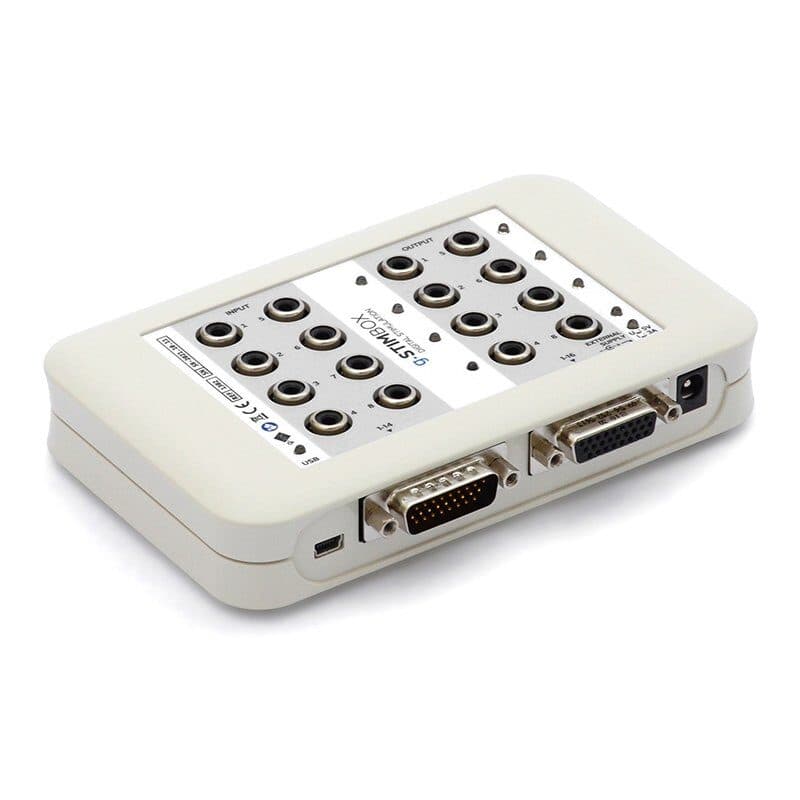
Presents the stimuli and marks every event in the EEG recording. ERP and P300 analyses rest on these marks; g.AUDIObox for auditory stimuli.
 05
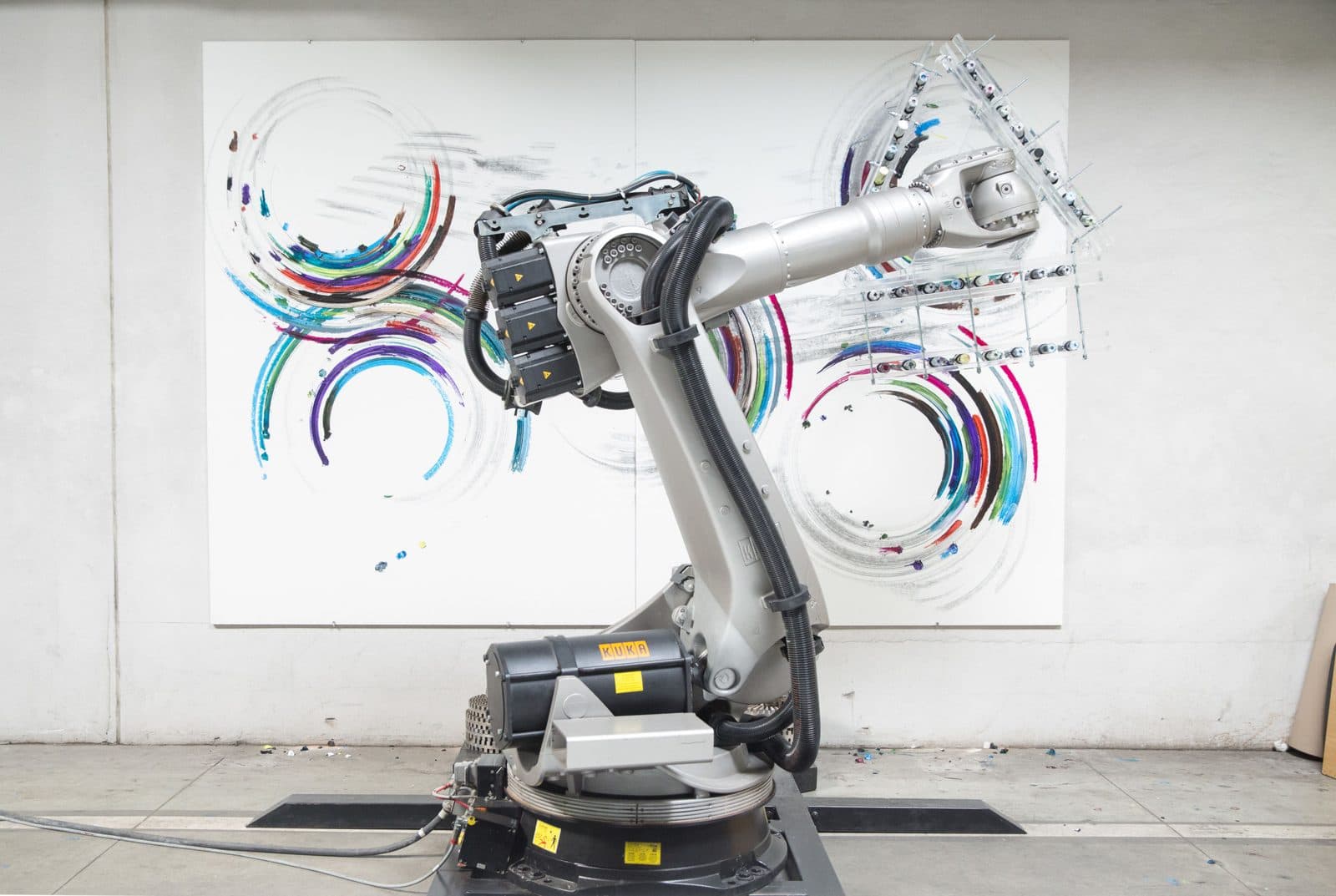
05Feedback
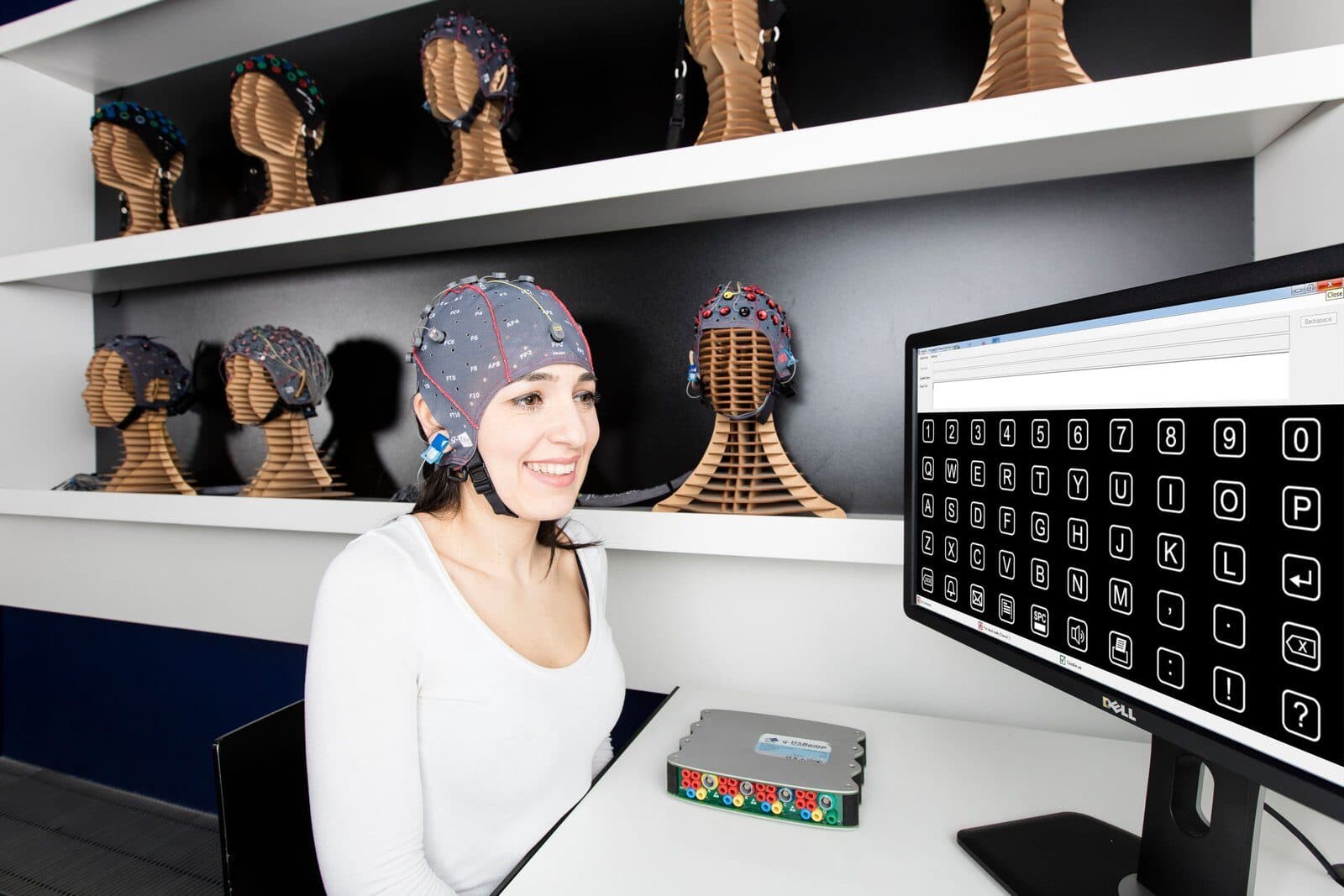
The classifier's decision moves something: a letter in the speller matrix, a robot arm, an avatar in VR. The participant sees the result and the loop closes.
Speller screen, robot arm, VR headset; depending on the project
 06
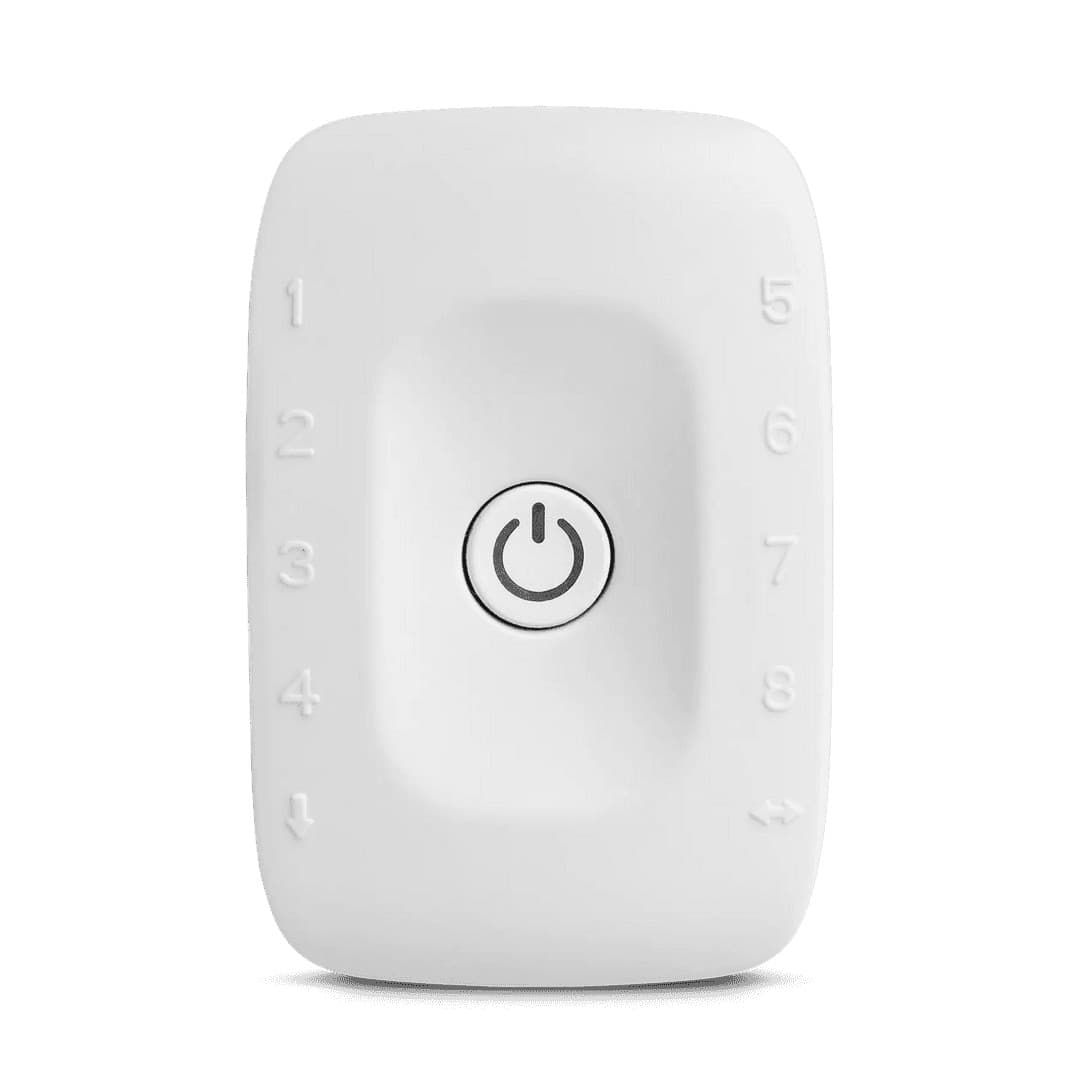
06Body signals
Muscle, eyes and heart beside the EEG: EMG catches movement during motor imagery and becomes a second control channel in a hybrid BCI, EOG helps separate eye movements from the EEG. With PLUX's biosignalsplux sensors.
 07
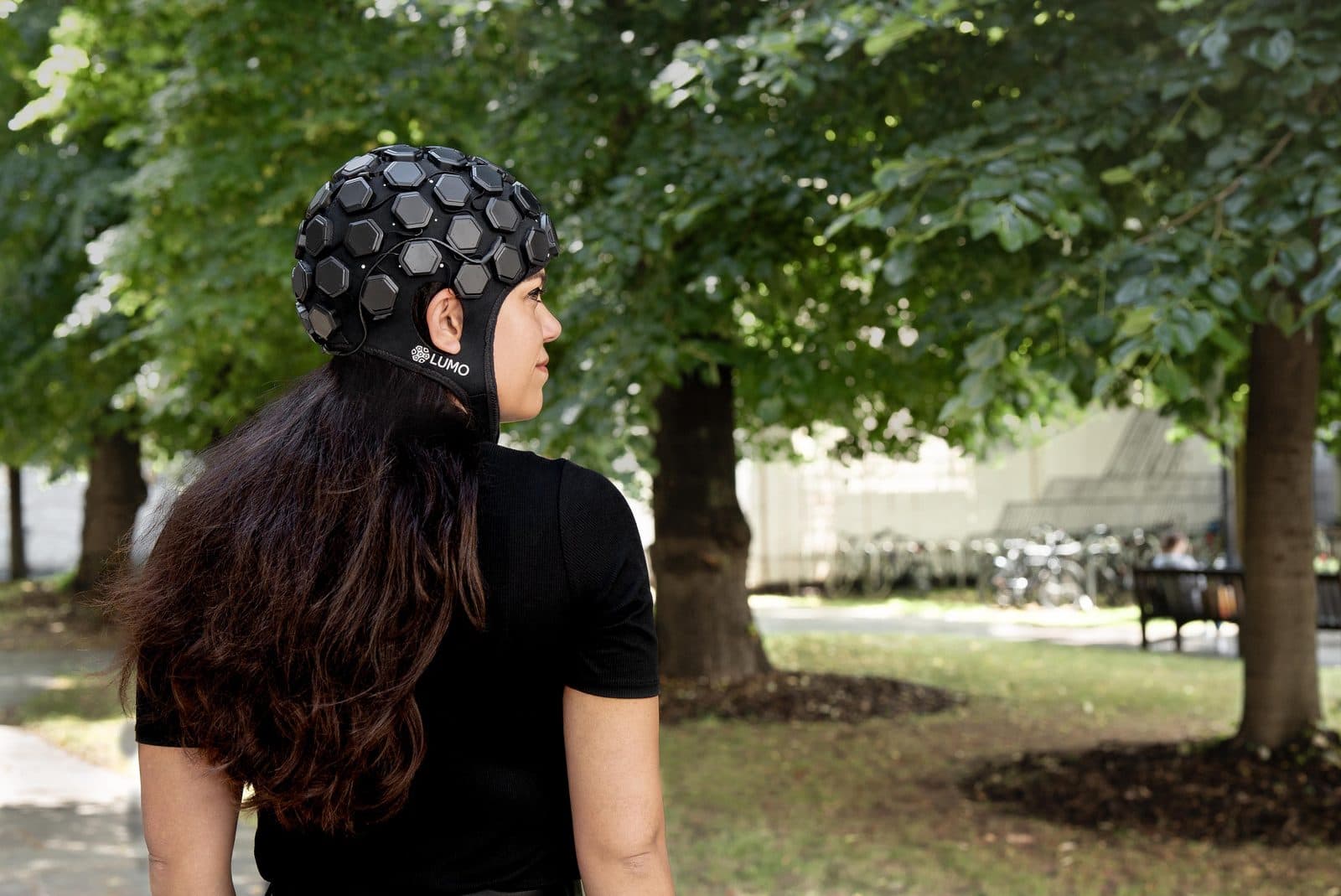
07Optical imaging
Measures changes in blood oxygenation with light, for fNIRS-based and hybrid BCI studies. g.Nautilus fNIRS records EEG and fNIRS in one cap; Gowerlabs LUMO offers whole-head, high-density optical imaging.
 08
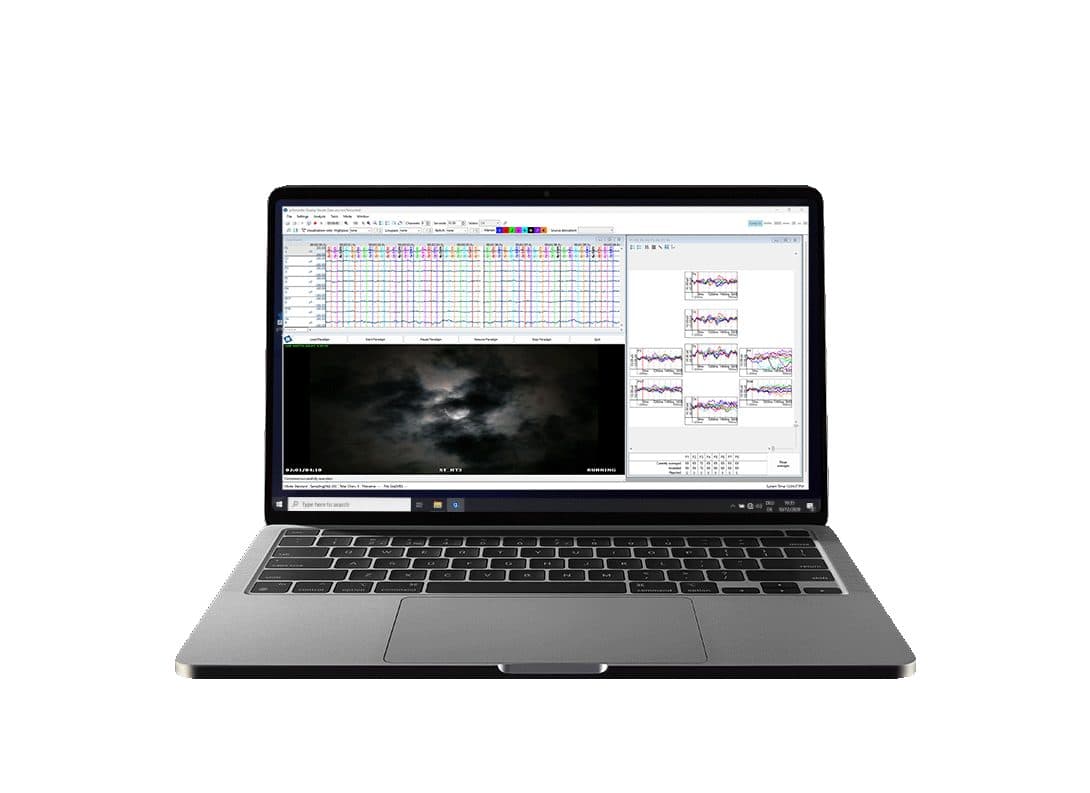
08Recording and analysis
Records the raw data together with video and analyses it offline after the experiment: evoked potentials, spectral analysis, classification.
The signal's path, step by step.
From participant to recording, from recording to decision: how the devices connect.
Stimulus
Flashing letters on a screen, a sound or an imagined movement: each produces a measurable response in the participant's brain.
In this stepElectrodes
The cap's electrodes pick up that response at the scalp, at the level of microvolts.
In this stepAmplifier
The signal is amplified, digitised and streamed to the computer, wirelessly or over USB.
In this stepReal-time processing
Filtering, feature extraction and classification run on windows of a few hundred milliseconds; the output is a decision.
In this stepFeedback
The decision selects a letter or moves the robot; the participant sees the result and adapts on the next trial. The loop closes.
Everything on one clock
The computer presenting the stimuli sends every event through g.TRIGbox or g.STIMbox to the amplifier, so the event is marked in the same recording as the EEG. Evoked potentials such as the P300 can only be averaged against these marks. Data from the PLUX and Gowerlabs devices stream over Lab Streaming Layer (LSL), and g.HIsys processes streams arriving over LSL too. We check this chain together at installation.
Three brands, one laboratory.
g.tec, PLUX and Gowerlabs each take on their own job in the lab; their data meet on one timeline.
- The lab's backbone
g.tec
Cap and electrodes, amplifier, real-time processing, stimulation and triggers: the whole BCI chain comes from g.tec. The other brands' streams connect to g.HIsys over LSL.
- Body signals and hybrid BCI
PLUX Biosignals
EMG, EOG and ECG sensors on a biosignalsplux hub record the body beside the EEG: in motor imagery EMG shows the participant did not move, and in a hybrid BCI it becomes a second control channel; EOG helps separate eye movements. In courses, BITalino teaches the basics of biosignals. biosignalsplux data stream over LSL.
- Optical brain imaging
Gowerlabs
LUMO is a fibreless, wearable HD-DOT system that measures changes in blood oxygenation with light, from a single region to the whole head, from infants to adults. In a BCI lab it joins fNIRS-based and hybrid studies and adult or mother-infant hyperscanning; its data stream over LSL.
In this lab
Recommended set-ups.
 01 · Courses and student projects
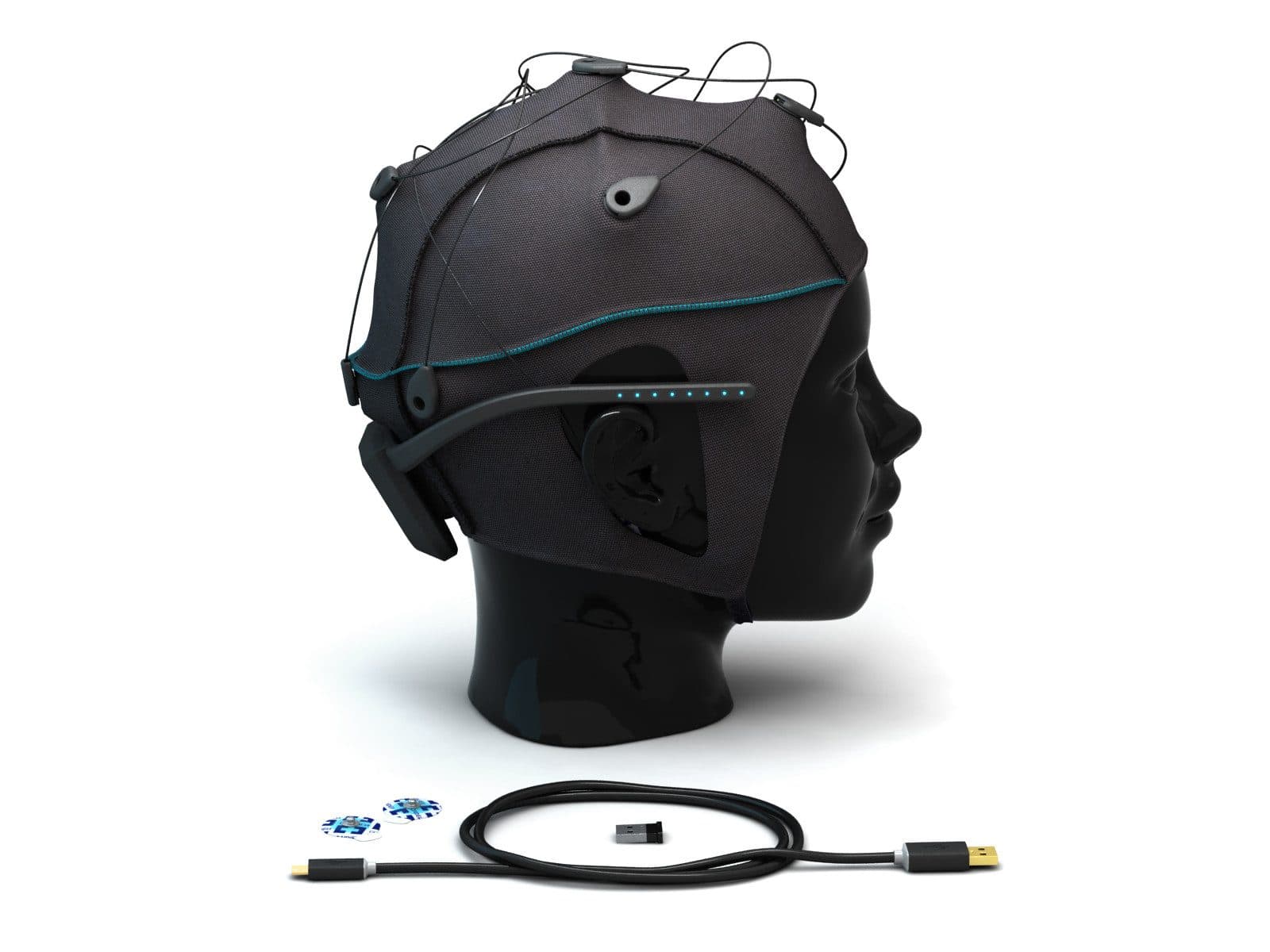
BCI teaching lab
Built on g.tec's Unicorn Education Kit. According to g.tec, 8 Unicorn Hybrid Black headsets can teach 40 students a semester in teams of five; there is also a smaller set of 4. Students progress from electrode placement to BCI projects of their own. PLUX's BITalino kit can be added for a course on the basics of biosignals.
- Used for
- Real-time EEG
- P300
- SSVEP
- Motor imagery
- Classifiers
 02 · Research
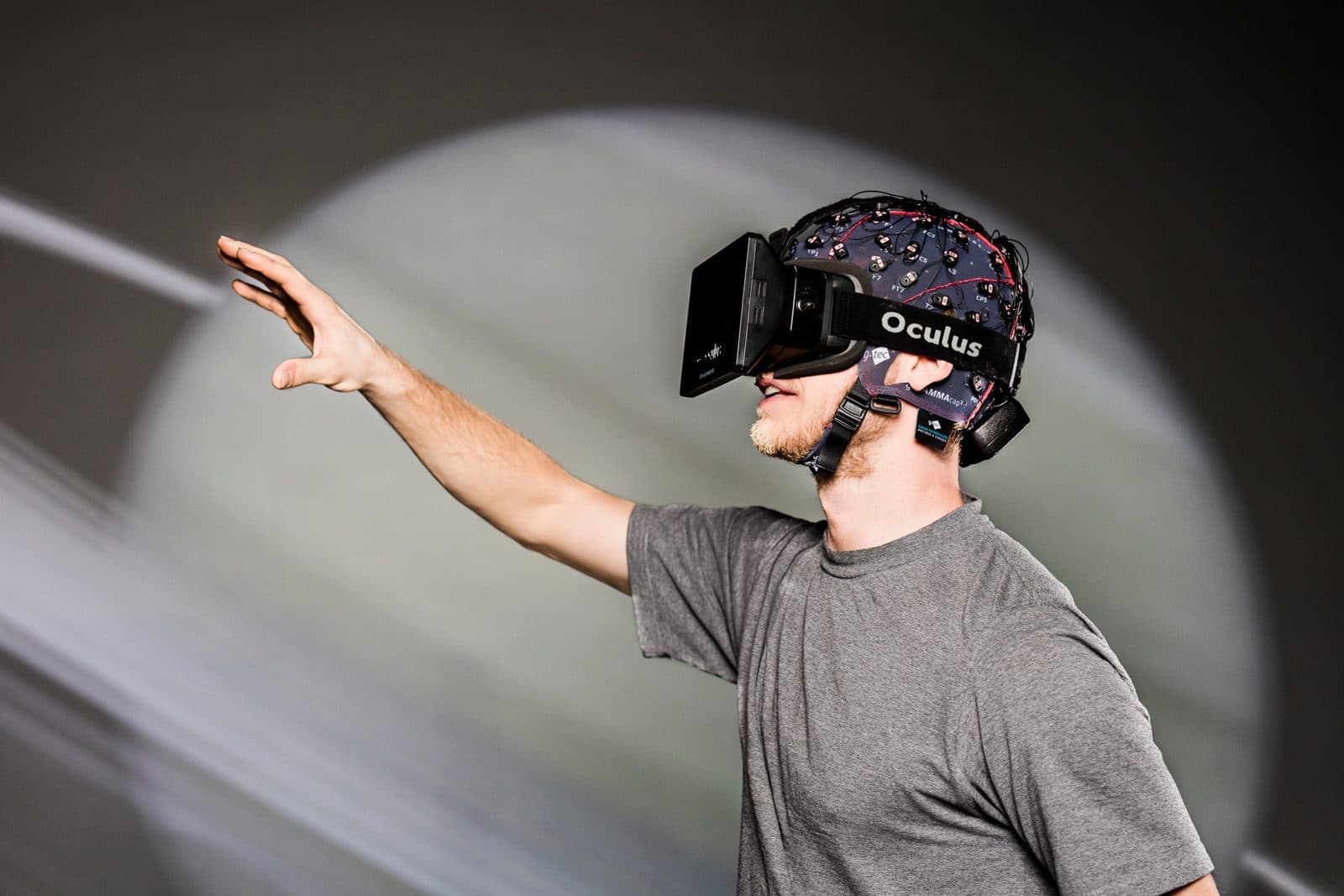
Fully equipped BCI lab
For real-time BCI research from motor imagery, P300 and SSVEP to neurofeedback, robot and VR control: a research-grade amplifier, real-time processing in Simulink, stimulation and triggering hardware, optional eye tracking, and body signals such as EMG and EOG from PLUX.
- Used for
- Motor imagery
- P300
- SSVEP
- Neurofeedback
- Robots and VR
- Hybrid BCI
 03 · Social neuroscience
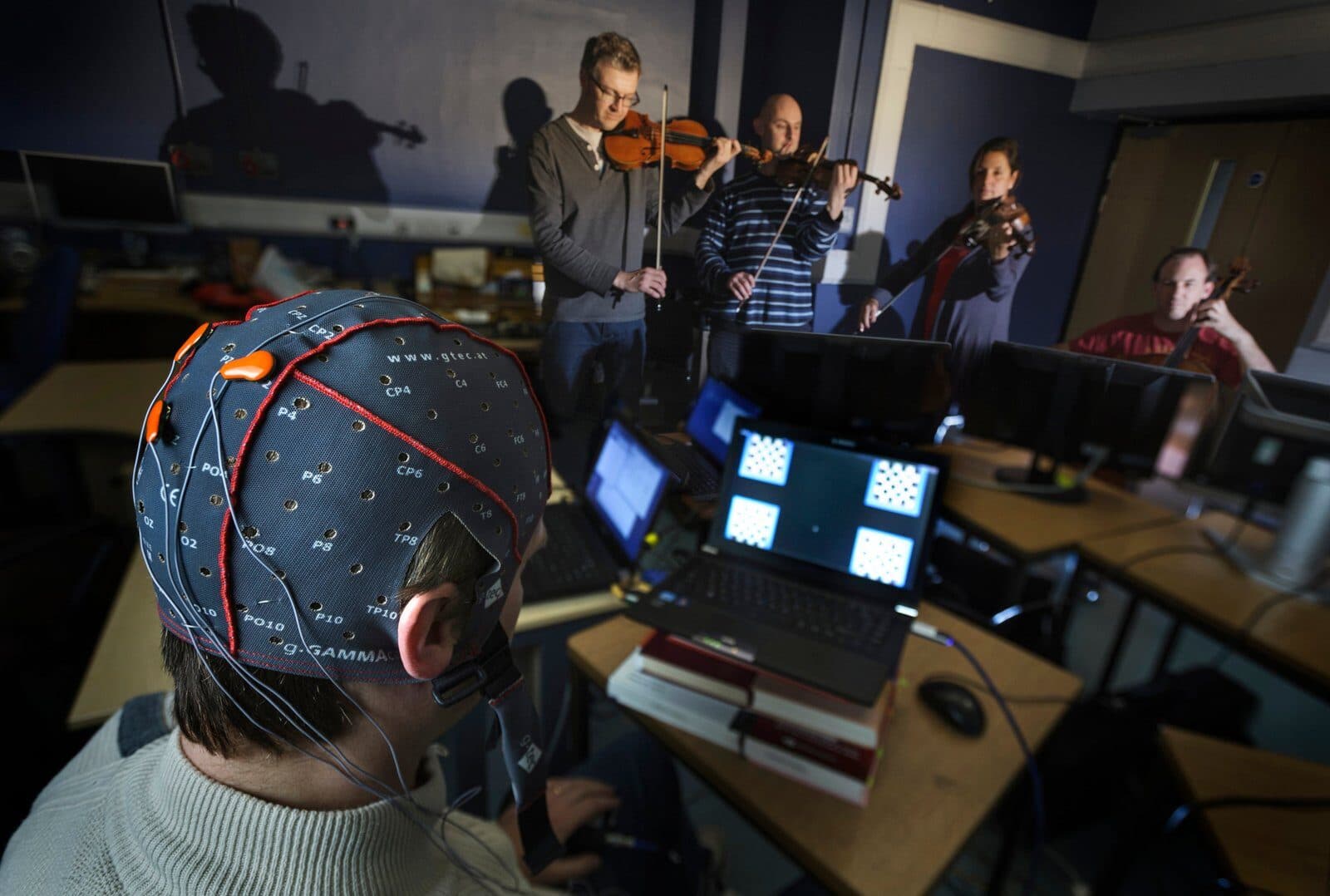
Multi-user hyperscanning and BCI lab
Stations that record several participants' EEG at the same time and on the same clock, for social interaction, cooperation and collaborative BCI studies. g.tec describes a hyperscanning set-up of up to 16 participants, depending on the configuration. For optical hyperscanning, Gowerlabs LUMO records two adults, or a mother and her infant, at the same time.
- Used for
- Simultaneous EEG
- Social neuroscience
- Collaborative BCI
- Optical hyperscanning
 04 · Multimodal imaging
Hybrid EEG and fNIRS lab
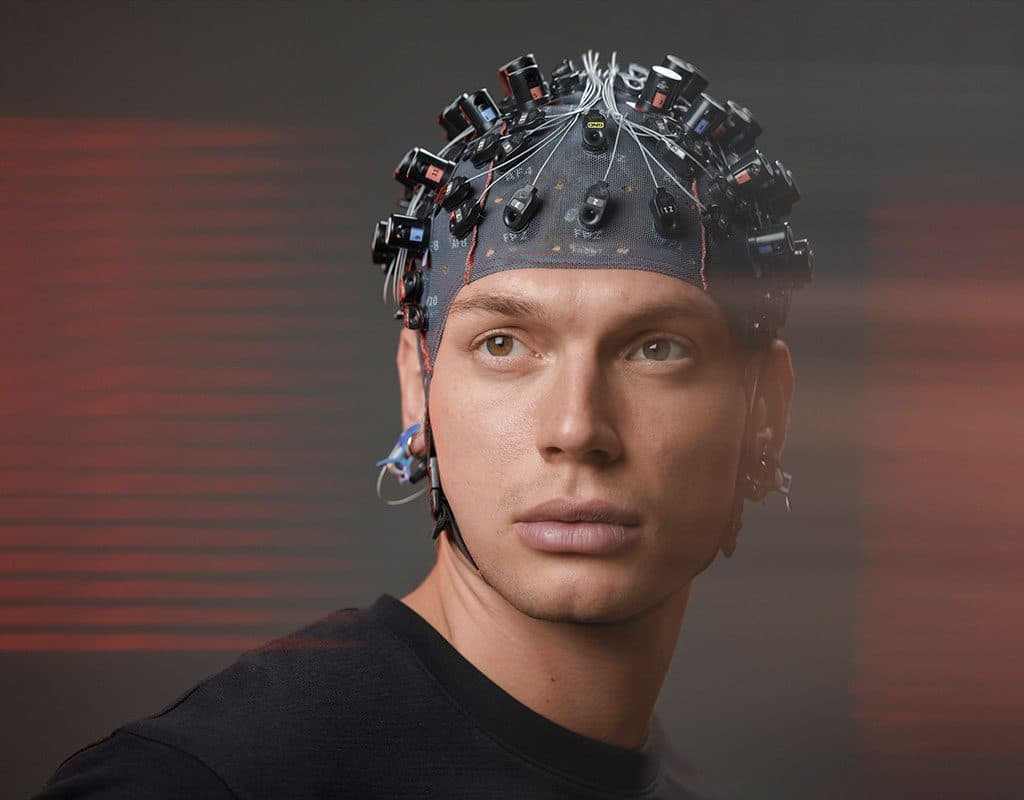
The brain's electrical response and its blood-oxygenation response together: g.tec's g.Nautilus fNIRS records up to 64 EEG channels with 16 light sources and 16 detectors in one cap. When whole-head, high-density optical imaging is needed, Gowerlabs LUMO is added; its data stream over LSL.
- Used for
- EEG and fNIRS
- Hybrid BCI
- HD-DOT
- Devices
 05 · ERP research
Evoked potential and stimulation lab
Stimulus presentation, event marking and trigger synchronisation for ERP, P300 and visual, auditory or somatosensory evoked potential studies; the timing is checked together at installation.
- Used for
- ERP
- P300
- VEP
- Auditory
- Somatosensory
- Also
- Tactile stimulation (g.TACTILEbox), depending on the project
 06 · Invasive recording
ECoG research lab
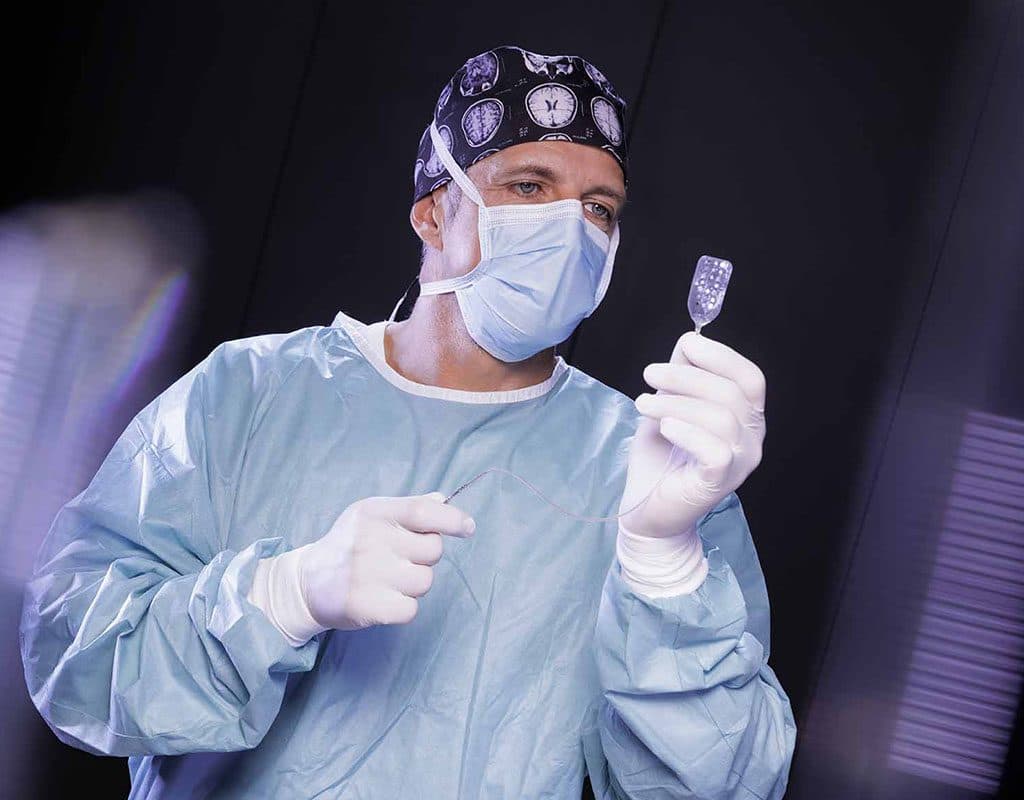
Multichannel recording for invasive BCI, high-gamma activity and cortical electrophysiology, with interfaces to clinical recording systems, and the g.ESTIM PRO cortical stimulator for functional mapping. As g.tec notes, such a laboratory must meet clinical, ethical and electrical safety requirements.
- Used for
- Invasive BCI
- High gamma
- Cortical mapping
 07 · Human factors
Applied neurophysiology lab
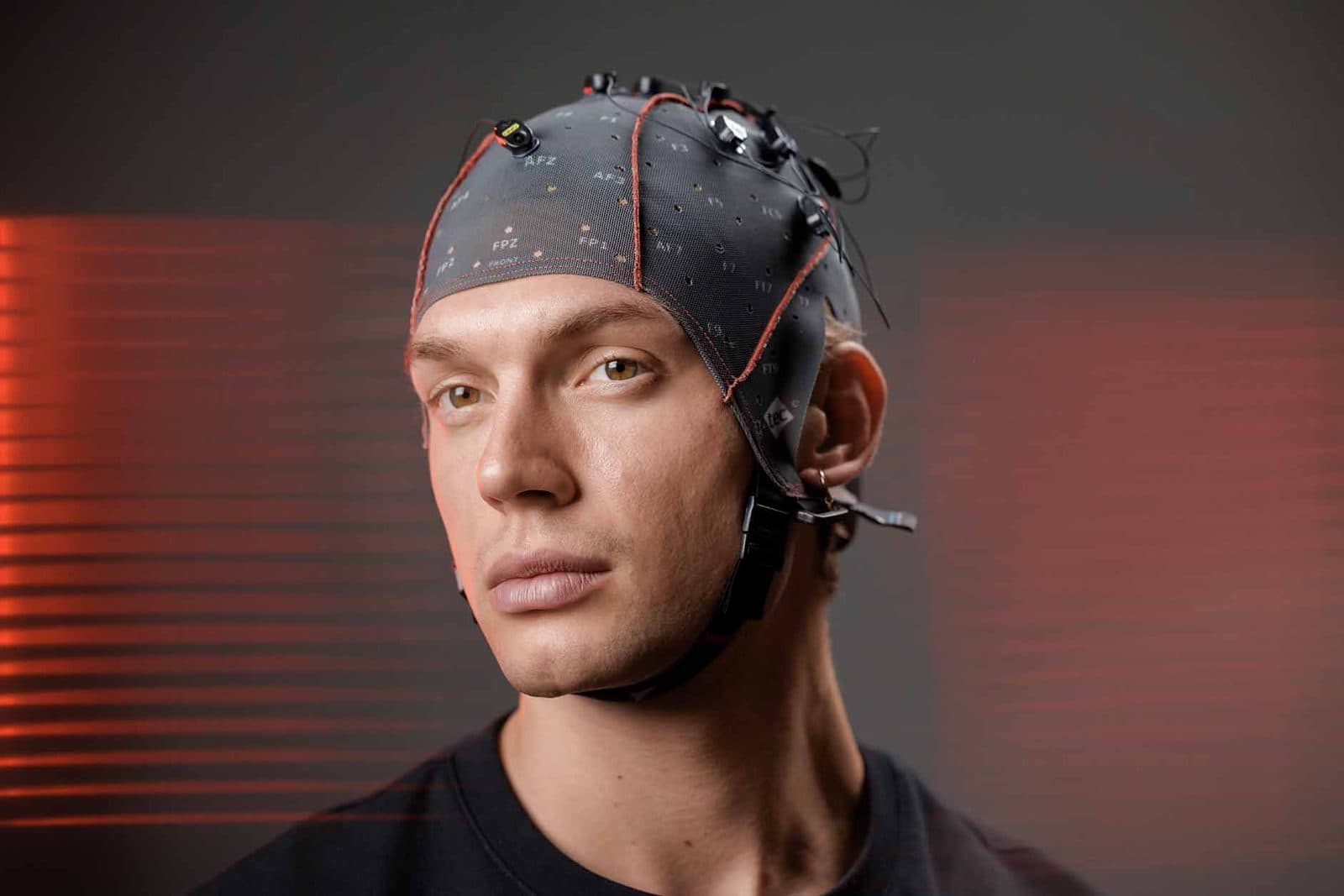
Cognitive workload, neuroergonomics and human factors studies with biosignals, eye tracking and driving or flight simulators. This set-up shares its devices with our UX and neuromarketing lab.
Go to the UX and neuromarketing lab- Used for
- Cognitive workload
- Neuroergonomics
- Simulators
On the NeuroTech University Tour we ran hands-on BCI and EEG workshops with g.tec at 9 universities over 10 days.
See the tourWe stay with you after installation.
Discovery and planning
We look at your research goals, paradigms and space together and work out the configuration and how it can grow.
Demo and installation
A device demo at your institution; after delivery, installation of the hardware, software and licences.
Timing check
At installation we check together that the chain of stimulus, recording and feedback works as it should.
Training
Device and software training for your team; hands-on workshops on request.
Support and analysis
A reply within 24 hours on working days, across Türkiye; consulting on experiment design and data analysis.
A working laboratory in six steps.
- 01
Set your goals
Your research questions, paradigms, number of participants and recording methods.
- 02
Choose a configuration
We start from one of the recommended set-ups and adapt it to your needs.
- 03
Quote and plan
Devices, software and accessories in one plan, together with the space and infrastructure they need.
- 04
Installation
Delivery, installation and a timing check of the whole workflow.
- 05
Training
Device and software training gets your team ready for its first experiments.
- 06
Grow
As your research develops, add channels, participants and modules to the laboratory.
Fields this laboratory serves.
- Brain–Computer Interfaces (BCI)Closed-loop BCI experiments with motor imagery, P300 and SSVEP paradigms: research on communication, neurorehabilitation and neurocognitive control.
- ERP Studies (P300, SSVEP)Stimulus-response paradigms with the P300 component and visual evoked potentials: from research on cognitive load, attention and memory to clinical communication systems.
- Multi-Brain Recording (Hyperscanning)Simultaneous EEG from several participants: research on social cognition, brain-to-brain synchrony and collaborative decision-making.
- Robot ControlControl of exoskeletons, wheelchairs, robotic arms and drones with motor imagery, P300 and SSVEP paradigms.
- Neuroscience Education and BCI ProjectsDesign student projects and teaching-lab experiments from EEG acquisition and signal processing to motor imagery and BCI robot control.
- VR & EEG ResearchEEG recording in virtual reality: from embodiment, presence and VR-based BCI applications to neurorehabilitation and education.
Frequently asked questions
Can we start small and grow the lab later?
Yes. g.tec's amplifiers, software and synchronisation hardware are parts of one platform: you can start with a teaching or single-station research set-up and grow it with channels, participants and stimulation. Which upgrades are possible depends on the equipment installed; we settle that together while planning.
How does a teaching lab differ from a research lab?
A teaching lab is built with Unicorn headsets and Unicorn Suite so that many students can try the core paradigms at once. A research lab is for publication-oriented work that needs more channels, a research-grade amplifier, real-time processing and stimulation with checked timing.
How many participants can a hyperscanning lab hold?
g.tec describes a hyperscanning set-up of up to 16 participants, depending on the configuration. We plan the stations together, with the number of participants, the channels and the recording setting in mind.
Are real-time, closed-loop experiments possible?
Yes. g.HIsys processes biosignals in real time inside Simulink, and robots, VR or stimulation devices can be put in the loop. At installation we check the timing of the whole workflow together.
How do PLUX and Gowerlabs devices join a BCI lab?
PLUX's biosignalsplux sensors record EMG, EOG and ECG beside the EEG; Gowerlabs LUMO adds optical brain imaging. Both stream their data over Lab Streaming Layer (LSL), and g.HIsys processes streams arriving over LSL in real time. We settle which connection fits during planning and check the timing together at installation.
What support follows installation?
After installation we train your team on the devices and software. We answer technical support requests within 24 hours on working days, across Türkiye, and we offer consulting on experiment design and data analysis.
What should we prepare for planning?
Your research goals, the paradigms you want to use, the number of participants, the recording methods (EEG, eye tracking, biosignals), your stimulation and feedback needs and your plans for the coming years. From these we work out the right configuration and how it can grow.
Let's plan your laboratory together.
Tell us your research goals, number of participants and recording methods, and we will work out the right configuration and how it can grow.
Call us +90 554 381 46 20Serving all of Türkiye · reply within 24 hours on working days