Simulink interface
Real-time parameter control
The Simulink interface sets every parameter of the stimulator and triggers it from Simulink. Phase duration and phase amplitude are adjusted in real time or through the graphical interface; the block reports device status, battery level and the maximum phase values. The FES Control Panel sets parameters by hand, starts and stops stimulation, and visualises the applied charge density.
- MATLAB / Simulink
- FES Control Panel
- Charge density
Accessories
Hand switch and foot switch
With the optional hand switch, once the device is activated in software, stimulation starts with the blue STIMULATE button and stops with the grey ABORT button. While the optional foot switch is pressed, the stimulator accepts the start command from the software or from the digital inputs; releasing the pedal stops the stimulation.
- STIMULATE / ABORT
- Active LED
- Manual control
Clinical application
Neurorehabilitation after stroke
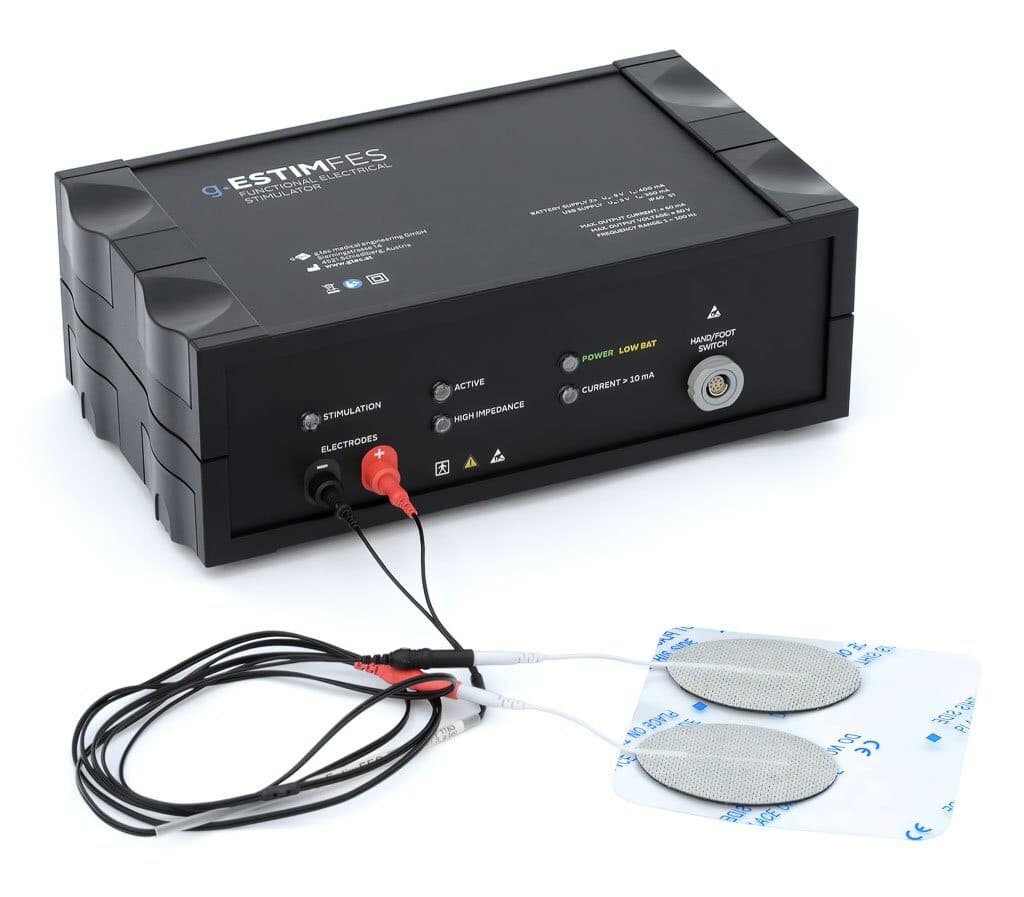
A doctor or therapist places the stimulation electrodes over the muscle or muscle group concerned; the FES system passes current through the muscles to initiate the movement. The technique can be used in stroke patients or people with spinal cord injury to help reduce spasticity and encourage movement again.
- Stroke rehabilitation
- Reducing spasticity
Spinal cord injury
Motor imagery BCI and FES
g.ESTIM FES may be indicated for stimulating muscles that are partly or fully paralysed by damage to the central nervous system. A BCI can detect the patient's motor imagery and trigger the FES to produce the required hand movement. In closed-loop experiments it works with g.USBamp, g.HIamp or g.Nautilus.
- Motor imagery BCI
- Closed-loop FES
- BCI Award 2016